This page explains how to add clients under the Tax Accountant Plan.
1.After logging in, click on "CUSTOMER".

2.Click on "View all".

3.Click on "Add Customer".

4.Please enter a name of your choice and click ""Add Custmer.
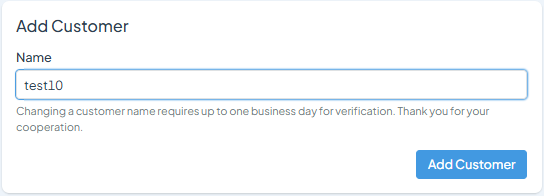
5.Review the plan, and if everything looks correct, click "Add
Custmer".
▼You can check the status of each customer using the search function in the customer list.